Decrypting the JioFiber Router Config Backup (.enc)
My JioFiber JCO4032 router saved its configuration as an encrypted .enc file. I found the firmware code that created it, decrypted it with OpenSSL, and then hit the checksum that protected edited backups.
In April 2020, I was 16 and Reliance JioFiber had just been installed at home. The router was a JCO4032, and I was curious about how the MyJio app could change the Wi-Fi password, and show, block or unblock devices. I already knew the basics of gateways and router admin pages, so I typed the router's IP into a browser. That is how I reached the JioFiber admin interface.
A quick search turned up the default credentials, which people had posted online: username admin and password Jiocentrum. I logged in, and there was a lot to explore. On the left bottom corner the firmware version was written as SRCMTF1_JCO4032_R2.15.
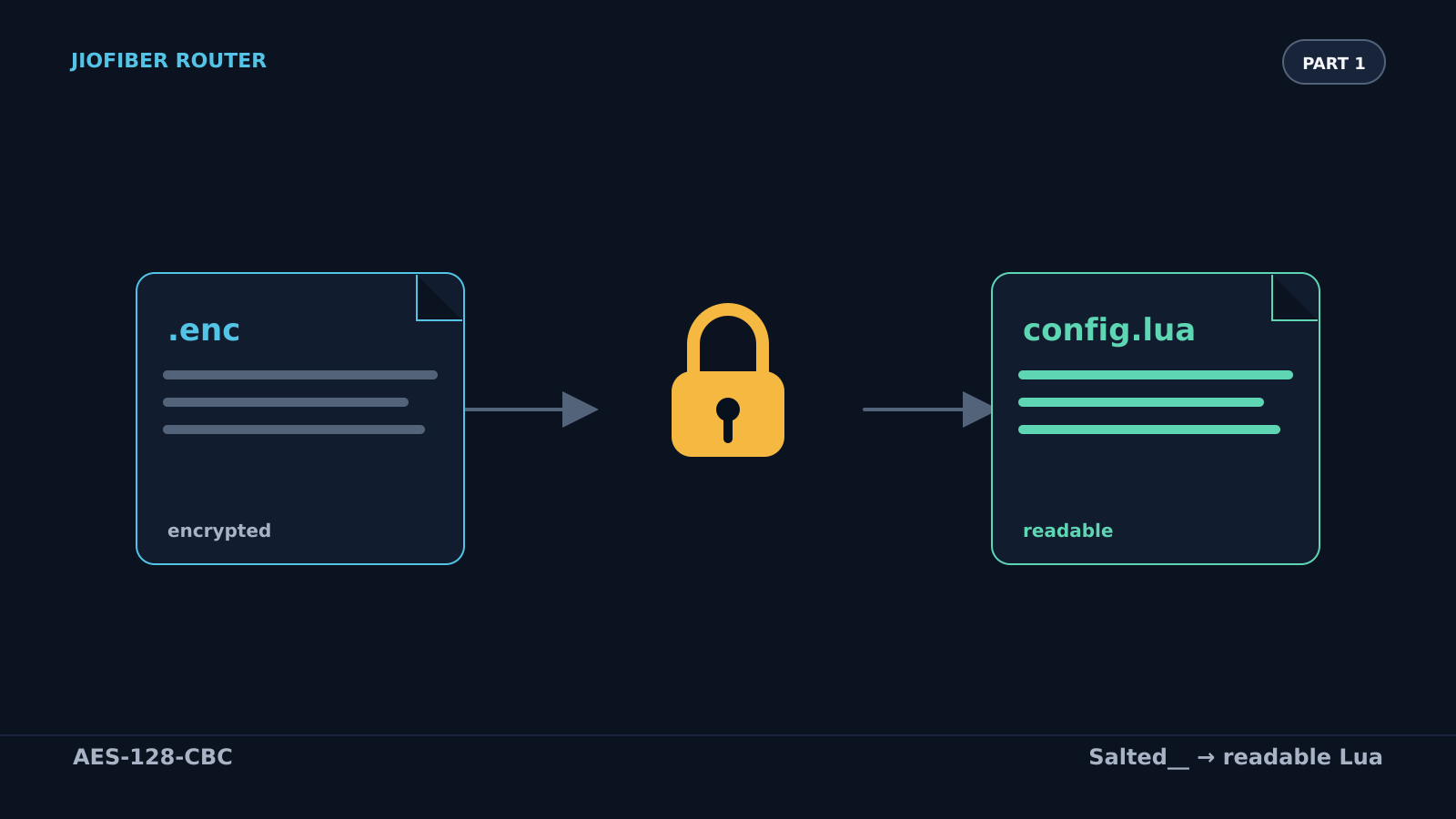
I found the backup configuration option. It downloaded a file ending in .enc. I could not read it, but the router could import it and restore its settings from it. When I opened it in a text editor, the first bytes were Salted__. That is the header OpenSSL writes when it encrypts with a salt. So the file was encrypted, and I wanted to know how to decrypt it.
What the backup file looks like
I opened the backup in a hex viewer. The first 48 bytes:
00000000  53 61 6c 74 65 64 5f 5f   e0 0e 63 17 0b 44 fe da  Salted__ וc••D××
00000010  de 6a 25 77 df b7 38 dd   8b 6a 2c 25 dc 06 5b 3f  ×j%w××8× ×j,%ו[?
00000020 29 17 3d df 59 7c 0e 74 11 fe 8e 83 56 13 b6 a6 )•=×Y|•t •×××V•××- Bytes
0–7are the ASCII textSalted__, which is OpenSSL's marker for a password-based encrypted file. - Bytes
8–15are an 8-byte random salt. It is different for every backup. - Everything after that is the ciphertext.
This is the layout that openssl enc produces. Once you know it, the rest is about finding the key.
Finding the encryption code
Someone on GitHub, fawazahmed0/Jio-fiber-Modem, had worked out how to get the firmware update URL, download the image and unpack it with binwalk. The unpacked files are in the repository's releases, so I downloaded the extracted filesystem from there. I searched it for the web interface code.
It was in /pfrm2.0/var/www. Two files mattered:
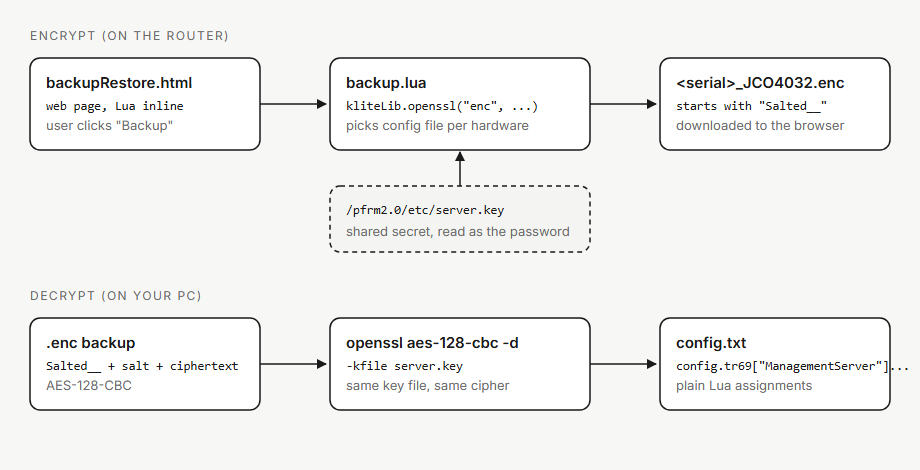
backupRestore.htmlhas the frontend, with inline Lua that runs when you press the backup button.backup.luadecides how the configuration file is encrypted.
The part of backup.lua that does the encryption looks like this:
-- Encrypting conf file
require "kliteLib"
local encKey="/pfrm2.0/etc/server.key"
local outFile="/flash/" .. filename .. ".enc"

if ((util.fileExists ("/pfrm2.0/BRCMJCO300")  or util.fileExists ("/pfrm2.0/HW_JCO410") or util.fileExists ("/pfrm2.0/HW_JCE410")) and (not(util.fileExists ("/pfrm2.0/HW_NO_DMS")))) then
	kliteLib.openssl ("enc", "-aes-128-cbc", "-pass", "file:" .. encKey, "-in", tmpConfigFile, "-out", outFile)
elseif (util.fileExists ("/pfrm2.0/ECONET") and (not(util.fileExists ("/pfrm2.0/HW_NO_WIFI")))) then
	kliteLib.openssl ("enc", "-aes-128-cbc", "-pass", "file:" .. encKey, "-in", tmpConfigFile_ECONET, "-out", outFile)
else
	kliteLib.openssl ("enc", "-aes-128-cbc", "-pass", "file:" .. encKey, "-in", configFile, "-out", outFile)
end

web.download(outFile, filename .. ".enc")
Three things stand out:
- The router calls
kliteLib, a binary, which runs OpenSSL. - The cipher is AES-128-CBC.
- The password is the contents of a file,
/pfrm2.0/etc/server.key. That file sits on the device, so the router can read it.
The key file is only 16 bytes. Here it is in hex, from the firmware at /pfrm2.0/etc/server.key:
00000000 be f2 26 75 7c b1 49 cb 04 cd ca 84 dc 5b e9 55 ××&u|×I× •××××[×UThe same key is used by every unit that runs this firmware. If you have the firmware, you can find it in the same place.
Decrypting the backup
Because the router uses AES, I could use the same key file with OpenSSL on my computer:
openssl aes-128-cbc -d -kfile server.key -in <serial>_JCO4032.enc -out <serial>_JCO4032.txtThe -d flag means decrypt. -kfile tells OpenSSL to read the password from server.key. The output is the readable configuration.
Reading the configuration
The decrypted file was not XML or JSON. It was a Lua file (which I came to know later on) with variable assignments. Here is an excerpt, with the serial number removed:
config.logging = {}
config.logging["VendorConfigFile"] = {}
config.logging["VendorConfigFile"][1] = {}
config.logging["VendorConfigFile"][1]["Version"] = ""
config.logging["VendorConfigFile"][1]["Description"] = "CPE Config File"
config.logging["VendorConfigFile"][1]["Name"] = "reliance.enc"
config.logging["VendorConfigFile"][1]["_ROWID_"] = "1"
config.logging["VendorConfigFile"][1]["UseForBackupRestore"] = "1"
config.logging["logConfig"] = {}
config.logging["logConfig"][1] = {}
...
Each line sets one value in a table called config. The router loads the file and reads those values. At the time I didn't know Lua, so I could read the file but I couldn't tell it was Lua and was assigning values to the table.
Editing and putting the config back
Once it was readable, I changed a value and encrypted the file again:
openssl aes-128-cbc -kfile server.key -in <serial>_JCO4032.txt -out <serial>_JCO4032.encWhen I uploaded the new .enc file through the restore option, the router rejected it with an error:
checksum errorI went back to the decrypted configuration and found this line:
config.checksum = "<checksum>"Encryption was only one part of the backup format. Before restoring the file, the router also verified this checksum. Changing a value without updating the checksum caused the restore to fail.
That left me with another question: how was the checksum calculated? To answer it, I had to trace the restore code in the firmware and understand how the router decrypts, verifies and loads a backup.
What's next
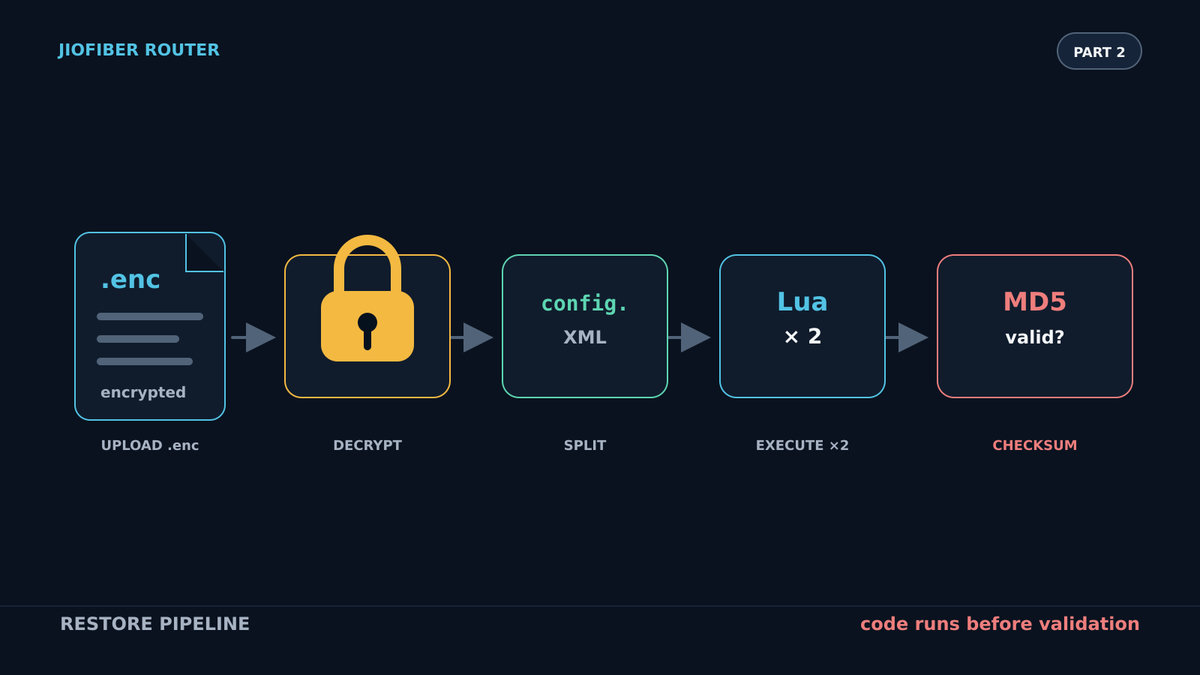
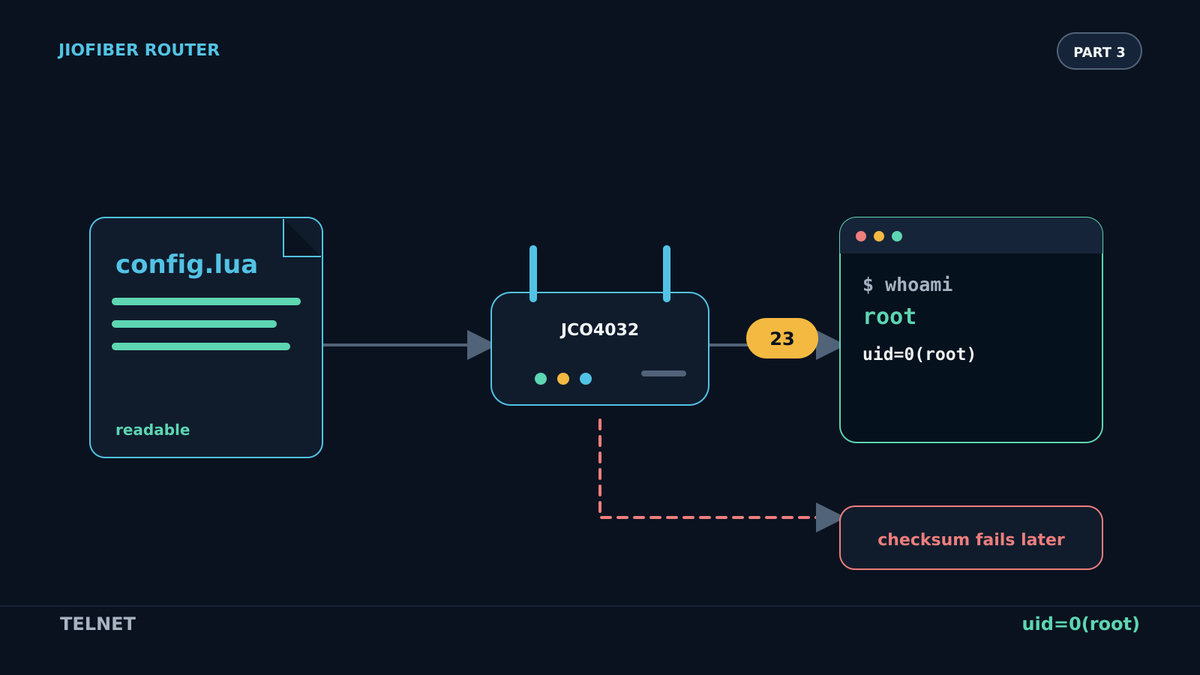
Part 2: How the JioFiber router restores an encrypted config backup. It follows the restore path and explains how config.checksum is calculated and verified.
Discussion
No comments yet